> ## Documentation Index
> Fetch the complete documentation index at: https://upstash-fix-issues-on-docs.mintlify.site/llms.txt
> Use this file to discover all available pages before exploring further.
# Handling Failures
Sometimes, endpoints fail due to various reasons such as network issues or server issues.
In such cases, QStash offers a few options to handle these failures.
## Failure Callbacks
When publishing a message, you can provide a failure callback that will be called if the message fails to be published.
You can read more about callbacks [here](/qstash/features/callbacks).
With the failure callback, you can add custom logic such as logging the failure or sending an alert to the team.
Once you handle the failure, you can [delete it from the dead letter queue](/qstash/api/dlq/deleteMessage).
```bash cURL
curl -X POST \
https://qstash.upstash.com/v2/publish/ \
-H 'Content-Type: application/json' \
-H 'Authorization: Bearer ' \
-H 'Upstash-Failure-Callback: ' \
-d '{ "hello": "world" }'
```
```typescript Typescript
import { Client } from "@upstash/qstash";
const client = new Client({ token: "" });
const res = await client.publishJSON({
url: "https://my-api...",
body: { hello: "world" },
failureCallback: "https://my-callback...",
});
```
```python Python
from upstash_qstash import Client
client = Client("")
client.publish_json({
"url": "https://my-api...",
"body": { "hello": "world" },
"failure_callback": "https://my-callback...",
})
```
## Dead Letter Queue
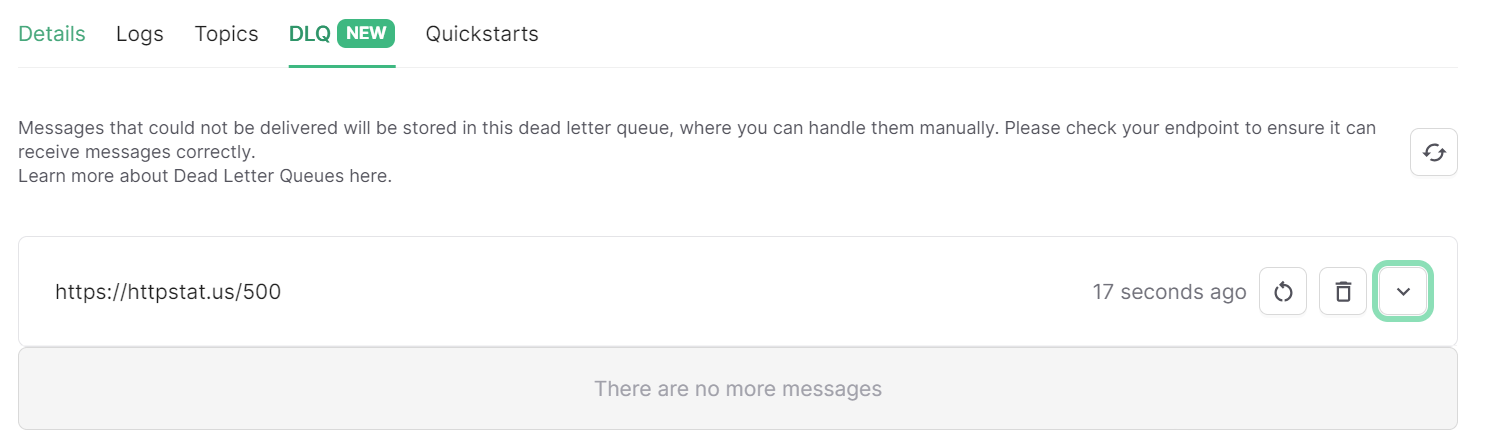
If you don't want to handle the failure immediately, you can use the dead letter queue (DLQ) to store the failed messages.
You can read more about the dead letter queue [here](/qstash/features/dlq).
Failed messages are automatically moved to the dead letter queue upon failure, and can be retried from the console or
the API by [retrieving the message](/qstash/api/dlq/getMessage) then [publishing it](/qstash/api/messages/create).