> ## Documentation Index
> Fetch the complete documentation index at: https://upstash-fix-issues-on-docs.mintlify.site/llms.txt
> Use this file to discover all available pages before exploring further.
# Import/Export Data
## Using Upstash Console
You can use the migration wizard in the
[Upstash console](https://console.upstash.com) to import your Redis to Upstash.
In the database list page, click on the `Import` button, you will see the dialog
like below:
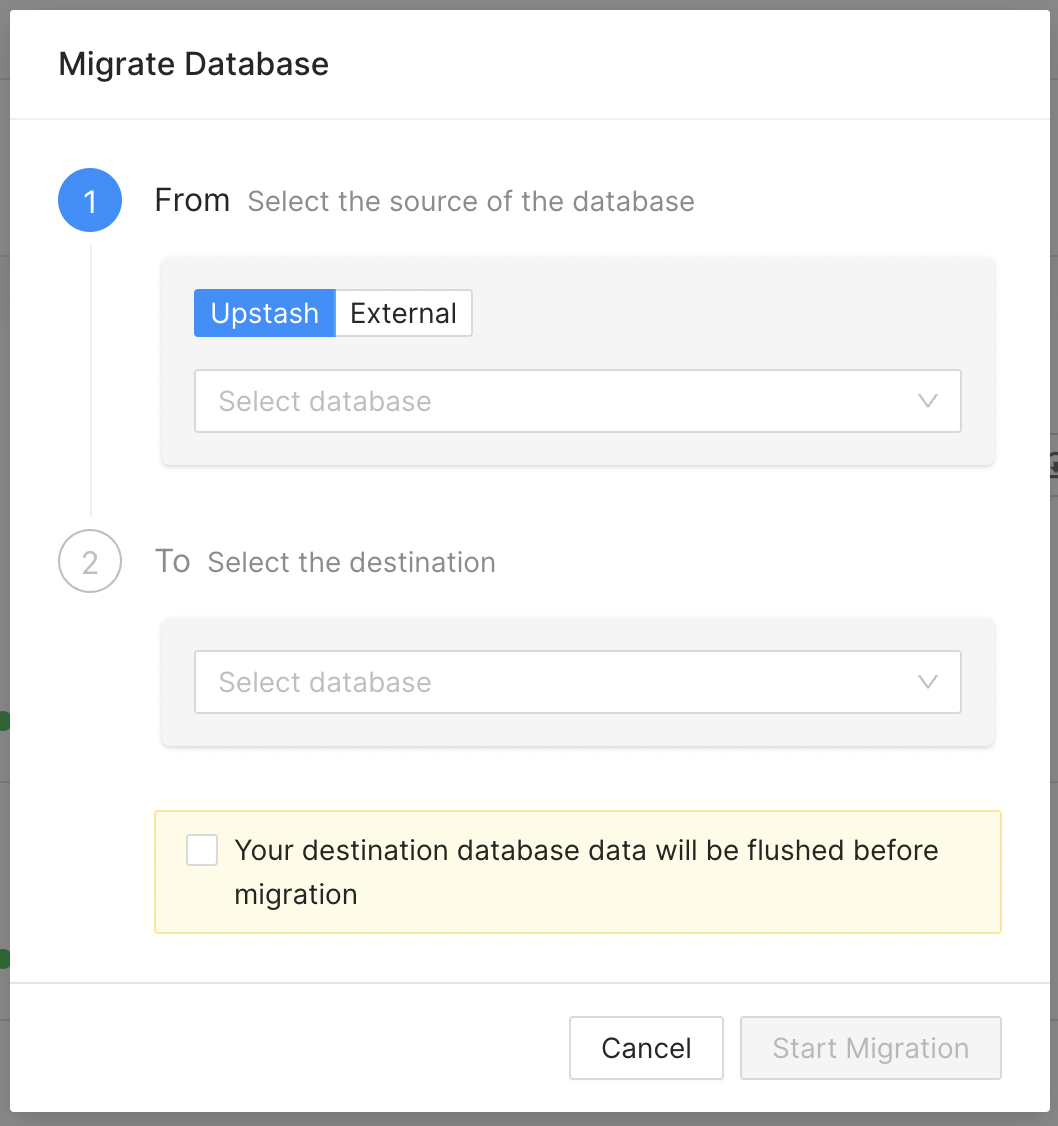 You can move your data from either an Upstash database or a database in another
provider (or on premise).
All the data will be deleted (flushed) in the destination database before the
migration process starts.
## Using upstash-redis-dump
You can also use the
[upstash-redis-dump](https://github.com/upstash/upstash-redis-dump) tool
import/export data from another Redis.
The below is an example how to dump and import data:
```shell
$ upstash-redis-dump -db 0 -host eu1-moving-loon-6379.upstash.io -port 6379 -pass PASSWORD -tls > redis.dump
Database 0: 9 keys dumped
```
See [upstash-redis-dump repo](https://github.com/upstash/upstash-redis-dump) for
more information.
You can move your data from either an Upstash database or a database in another
provider (or on premise).
All the data will be deleted (flushed) in the destination database before the
migration process starts.
## Using upstash-redis-dump
You can also use the
[upstash-redis-dump](https://github.com/upstash/upstash-redis-dump) tool
import/export data from another Redis.
The below is an example how to dump and import data:
```shell
$ upstash-redis-dump -db 0 -host eu1-moving-loon-6379.upstash.io -port 6379 -pass PASSWORD -tls > redis.dump
Database 0: 9 keys dumped
```
See [upstash-redis-dump repo](https://github.com/upstash/upstash-redis-dump) for
more information.