> ## Documentation Index
> Fetch the complete documentation index at: https://upstash-fix-issues-on-docs.mintlify.site/llms.txt
> Use this file to discover all available pages before exploring further.
# Google Cloud Functions
This tutorial uses [@upstash/redis](/oss/sdks/ts/redis/overview) which is
designed for serverless runtimes for efficient connection handling. You can
use your favorite Redis client, but you may have to deal with connection
issues as described
[here](https://upstash.com/blog/serverless-database-connections).
### Database Setup
Create a Redis database using [Upstash Console](https://console.upstash.com) or
[Upstash CLI](https://github.com/upstash/cli). Select the GCP US-Central-1 as
the region. Copy the `UPSTASH_REDIS_REST_URL` and `UPSTASH_REDIS_REST_TOKEN` for
the next steps.
### Project Setup
Create a folder for your project, run `npm init` inside. Then install Upstash
client with: `npm install @upstash/redis`
### The Code
Update `index.js` as below:
```js
const { Redis } = require("@upstash/redis/with-fetch");
const redis = new Redis({
url: "UPSTASH_REDIS_REST_URL",
token: "UPSTASH_REDIS_REST_TOKEN",
});
exports.helloCounter = async (req, res) => {
let count = await redis.incr("counter");
res.send("Page view:" + count);
};
```
## Run and Deploy
Deploy your function to Google Cloud with:
```shell
gcloud functions deploy helloCounter \
--runtime nodejs16 --trigger-http --allow-unauthenticated
```
You will see the URL of your Cloud Function. Click to the URL to check if it is
working properly.
```shell
httpsTrigger:
securityLevel: SECURE_OPTIONAL
url: https://us-central1-functions-317005.cloudfunctions.net/helloCounter
```
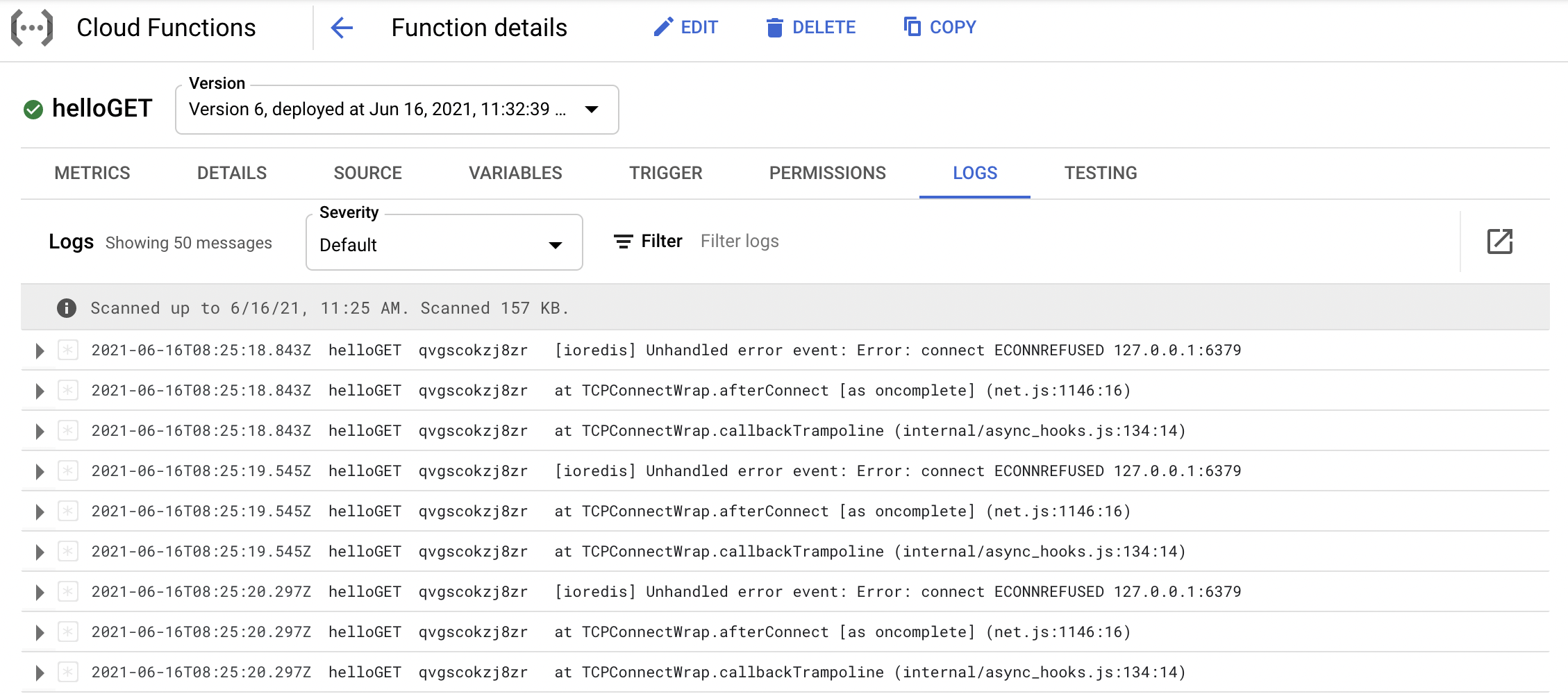
In case of an issue, you can check the logs of your Cloud Function in the GCP
console as below.