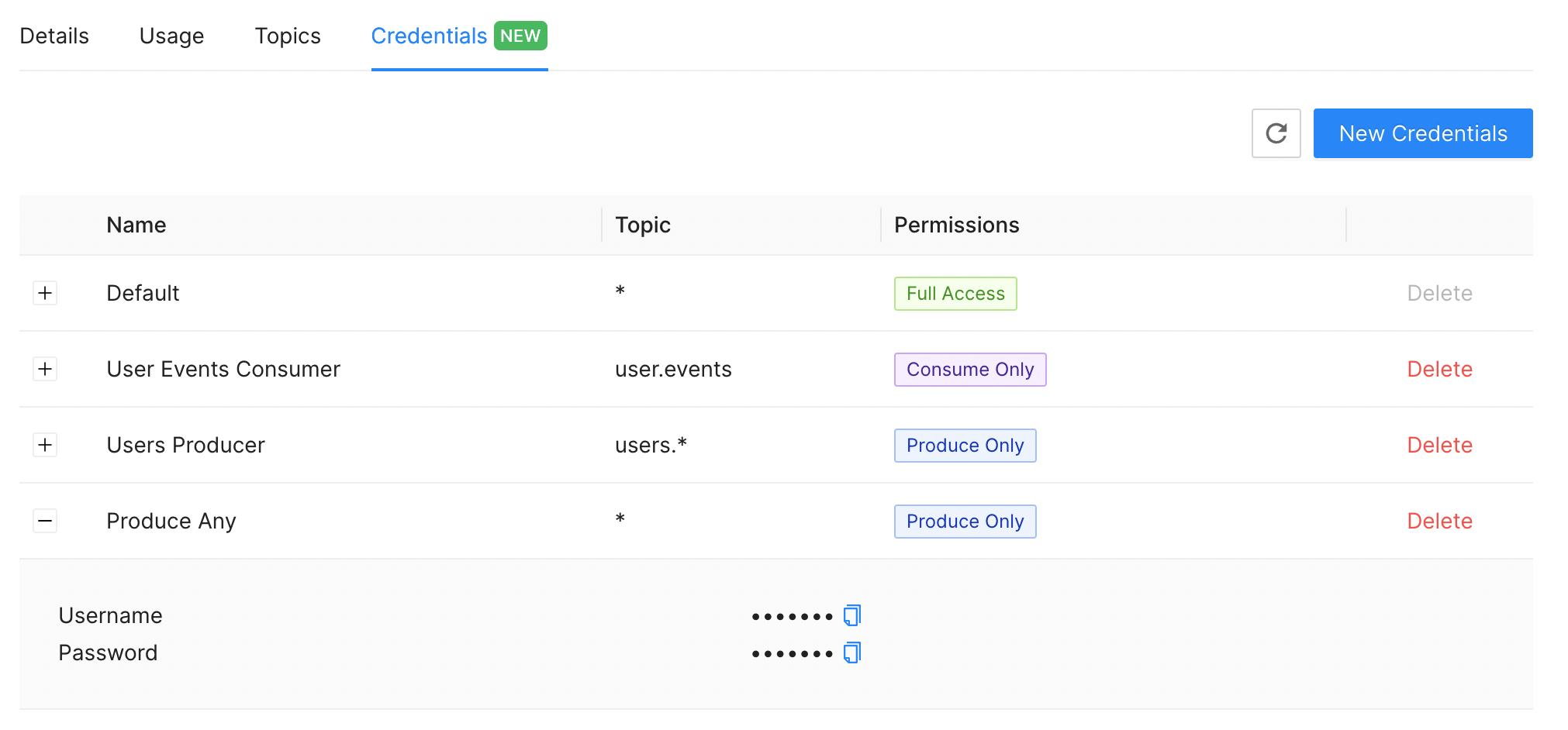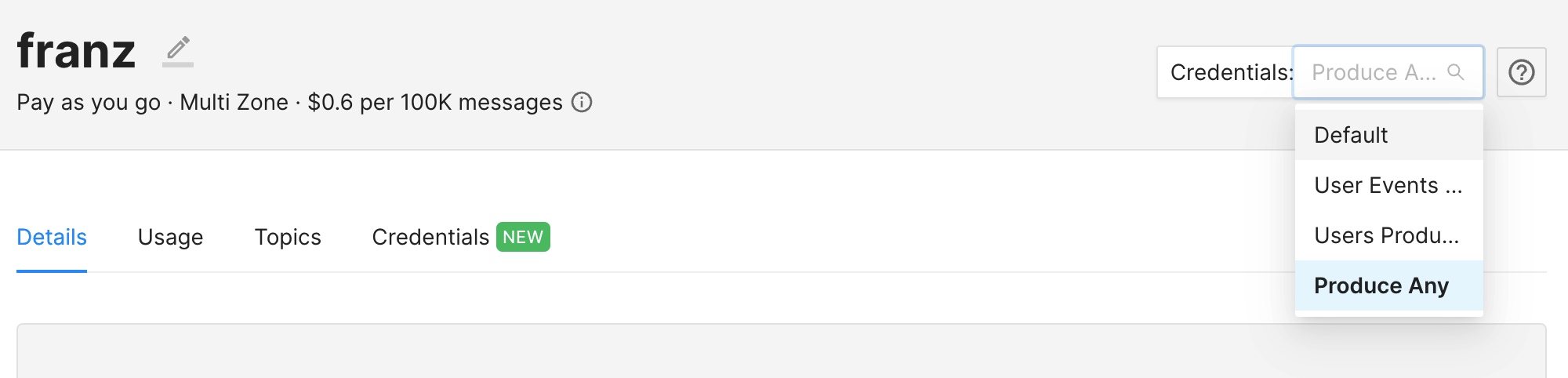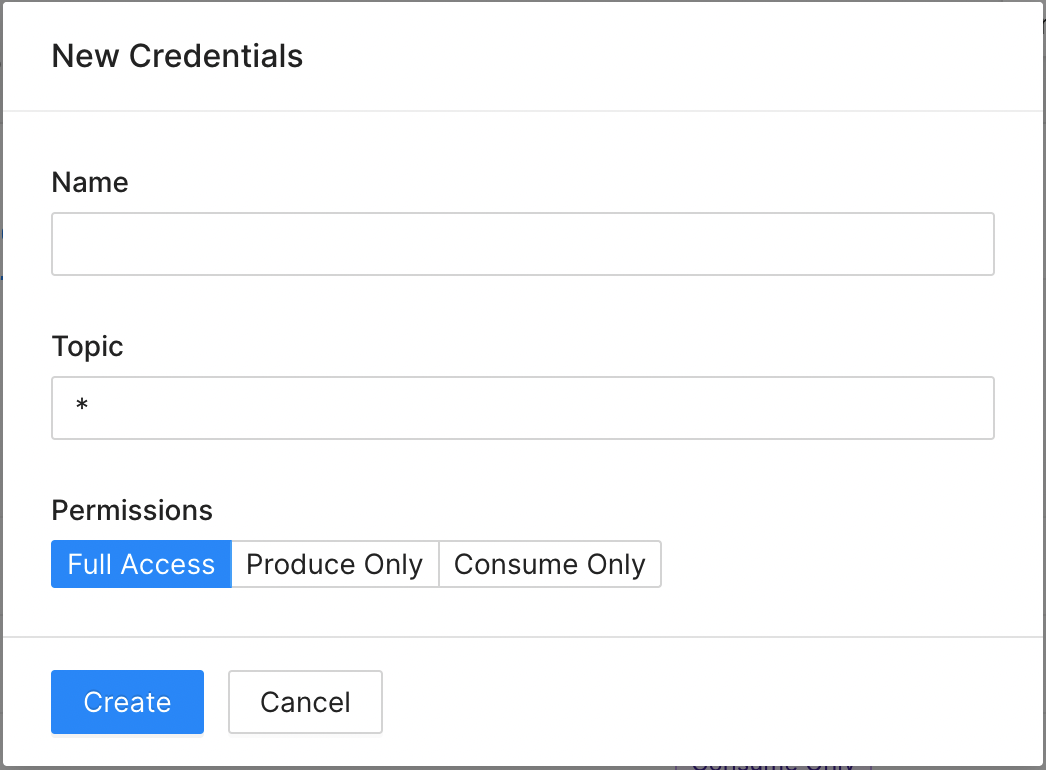
When you create a Kafka cluster on the Upstash Console, a default user credentials is created automatically. Default user credentials has full access rights to the Kafka cluster, which can produce to & consume from any topic. You can create additional credentials which can have limited access to topics. Credentials can be limited to produce-only or consume-only and also for a certain topic or a topic prefix. When a topic prefix is used, a user will have access to any topic whose name starts with the prefix. Newly created credentials can be used with both Kafka clients and Upstash REST API similar to the default credentials. To create new credentials, switch to Credentials tab in the cluster details page, and click the “New Credentials” button.Documentation Index
Fetch the complete documentation index at: https://upstash-fix-issues-on-docs.mintlify.app/llms.txt
Use this file to discover all available pages before exploring further.

- Name: Name of the credentials. This name is shown on the Console only to identify the credentials.
- Topic: A specific topic name or a topic prefix. This can be a literal
topic name (such as
users.events,product-orders), or a topic prefix (such asusers.*,products-*). Wildcard character*can only be used at the end of the topic name.*means any topic. - Permissions: Access permissions for the credentials. It has three options:
Full Access,Produce OnlyandConsume Only.