If you do not have a Kafka cluster and/or topic already, follow these steps to create one.
In the cluster details section of the Upstash Console, scroll down the REST API section and and copy UPSTASH_KAFKA_REST_URL, UPSTASH_KAFKA_REST_USERNAME and UPSTASH_KAFKA_REST_PASSWORD using the copy icons next to them.
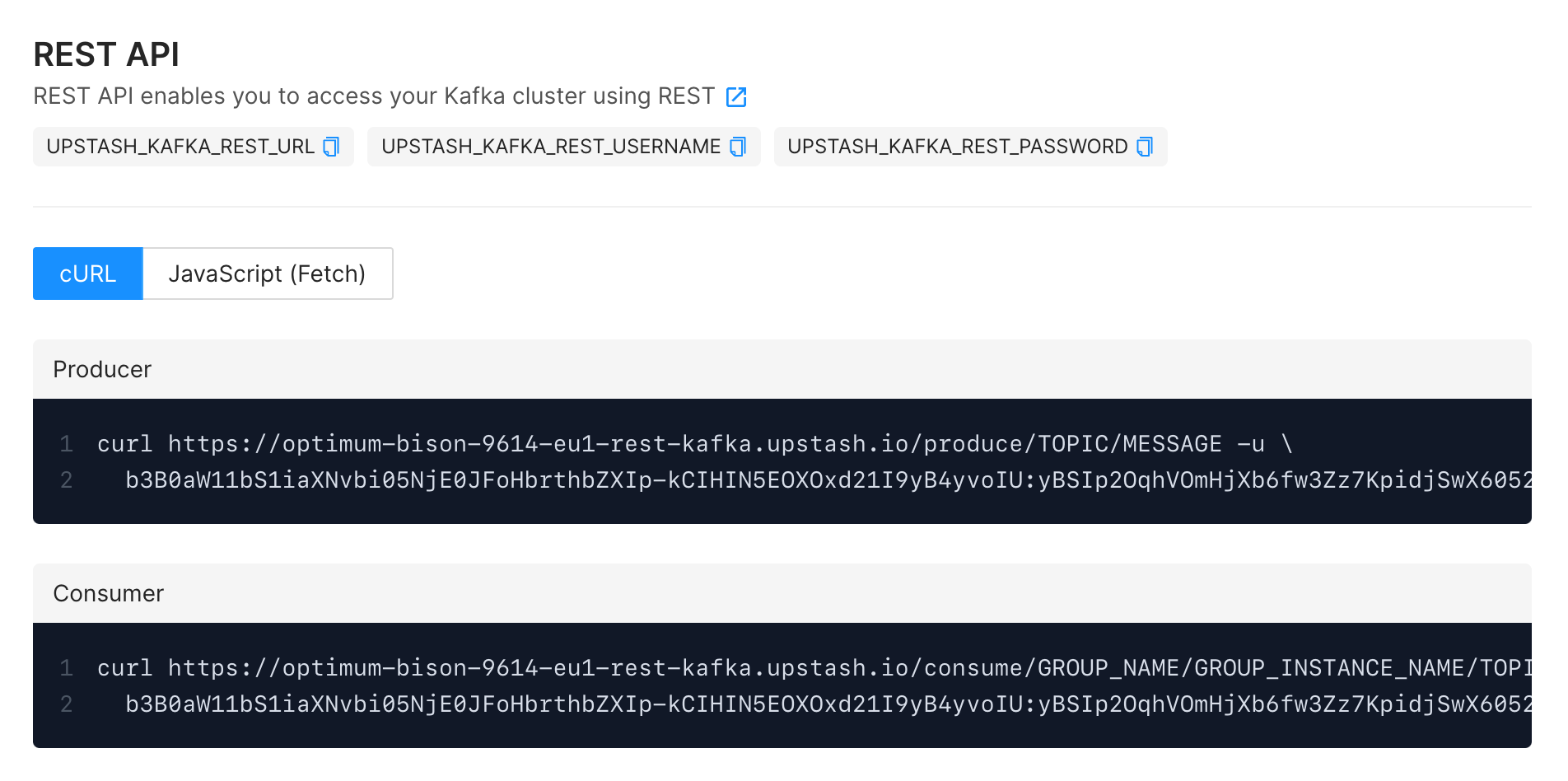
We will use a Node.js sample code to show how to produce message(s) using the REST API. Our sample will use a topic named cities and send a few city names to this topic. Replace following parameters in the code snippets below with your actual values.
Following code will produce three city names to a topic:
Alternatively we can post all cities using a single request, instead of producing them one-by-one. Note that in this case, URL does not have the message argument but instead all messages are posted in the request body.
For more info about using the REST API see Kafka REST Produce API section.